How it works › Users and accounts
Account
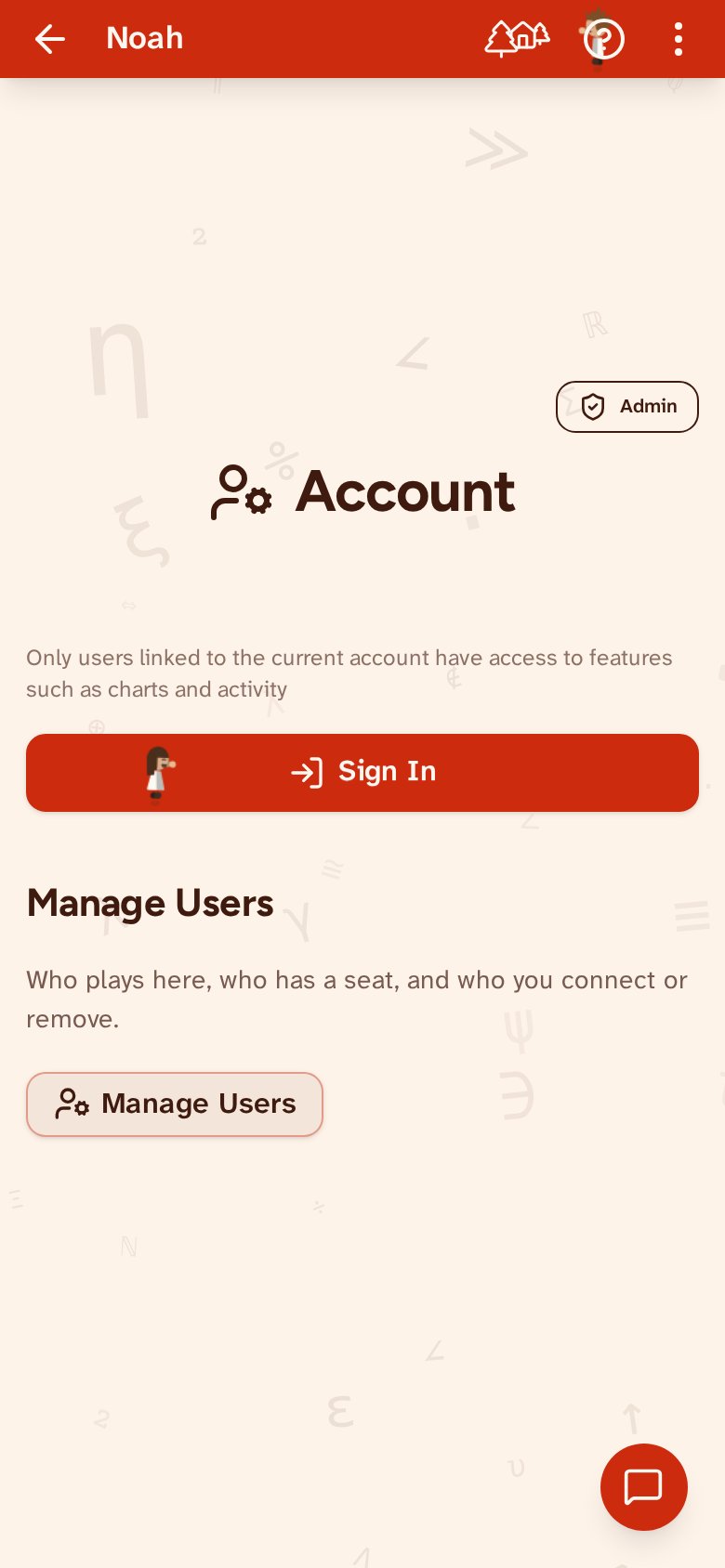
Sign in with Google or email. The account page is where the family is managed, under Manage Users. Pick a user with the arrows — or find them by name, once there are a lot of them — and the buttons below act on that one: change their details, connect them to your account or disconnect them, start them over from their first day, or remove them altogether. That is also where that user’s Invitation is, for putting them on another device.