How it works › Users and accounts
Invitation
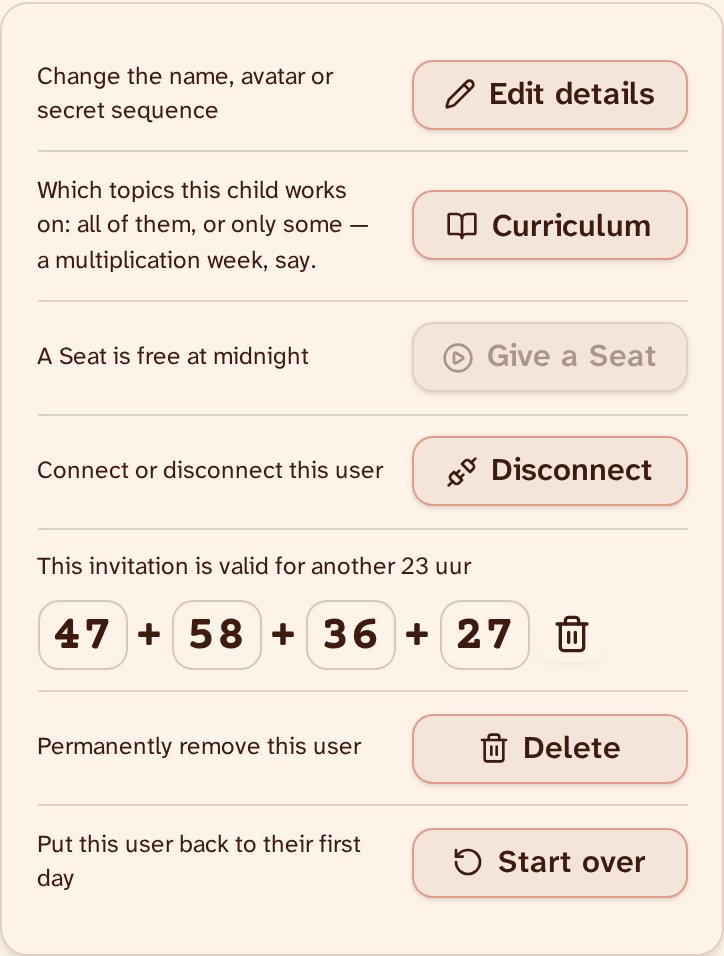
An invitation puts an existing user on another device. Where the user already is — a parent’s phone, a teacher’s laptop — sign in, go to Manage Users on the account page, pick that user, and tap ‘Create invitation’. On the other device, tap ‘I have an invitation’ and enter it: the user appears there with the same progress, village and wood, and no one needs to be logged in. That is how a user made by a teacher gets onto the child’s own device. An invitation is valid for a week and works once. A grown-up who also wants this user on their own account connects them afterwards, under Manage Users on the account page.