How it works › The app itself
Feedback
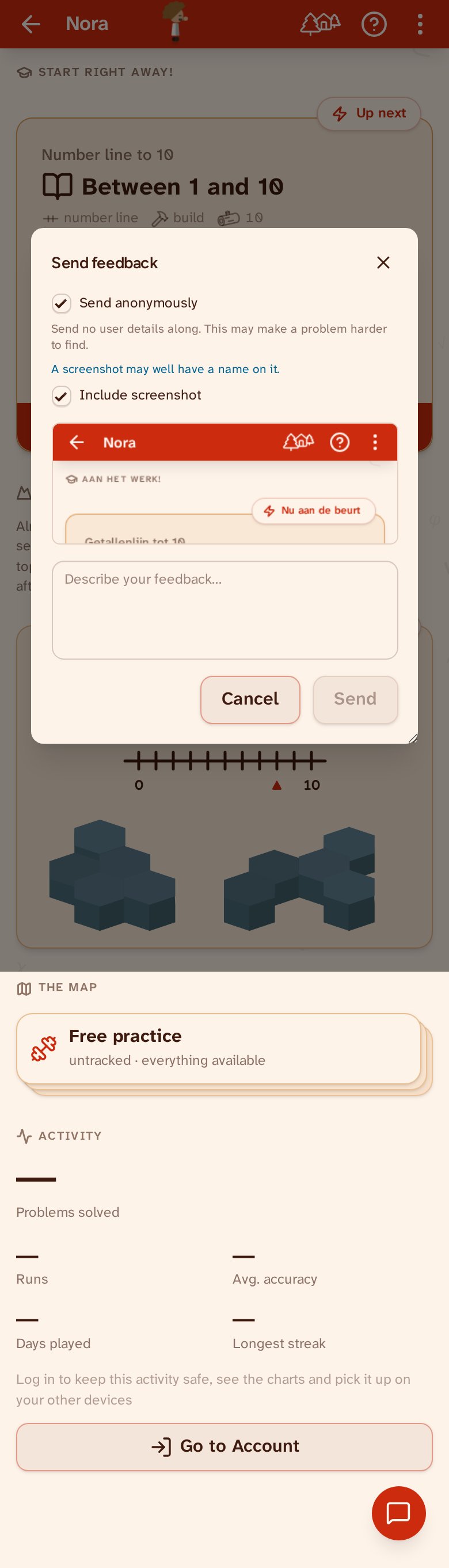
The round button in the bottom-right corner lets you send feedback from any page. Describe what you noticed and tap Send; your message goes straight to the maker of Maqqii. Your message is sent anonymously unless you say otherwise: untick “Send anonymously” and the report says which user it came from, which makes the thing you ran into easier to find. Want to include a screenshot? Tick the box — the image is taken of the screen behind the dialog.