How it works › Users and accounts
Grown-up password
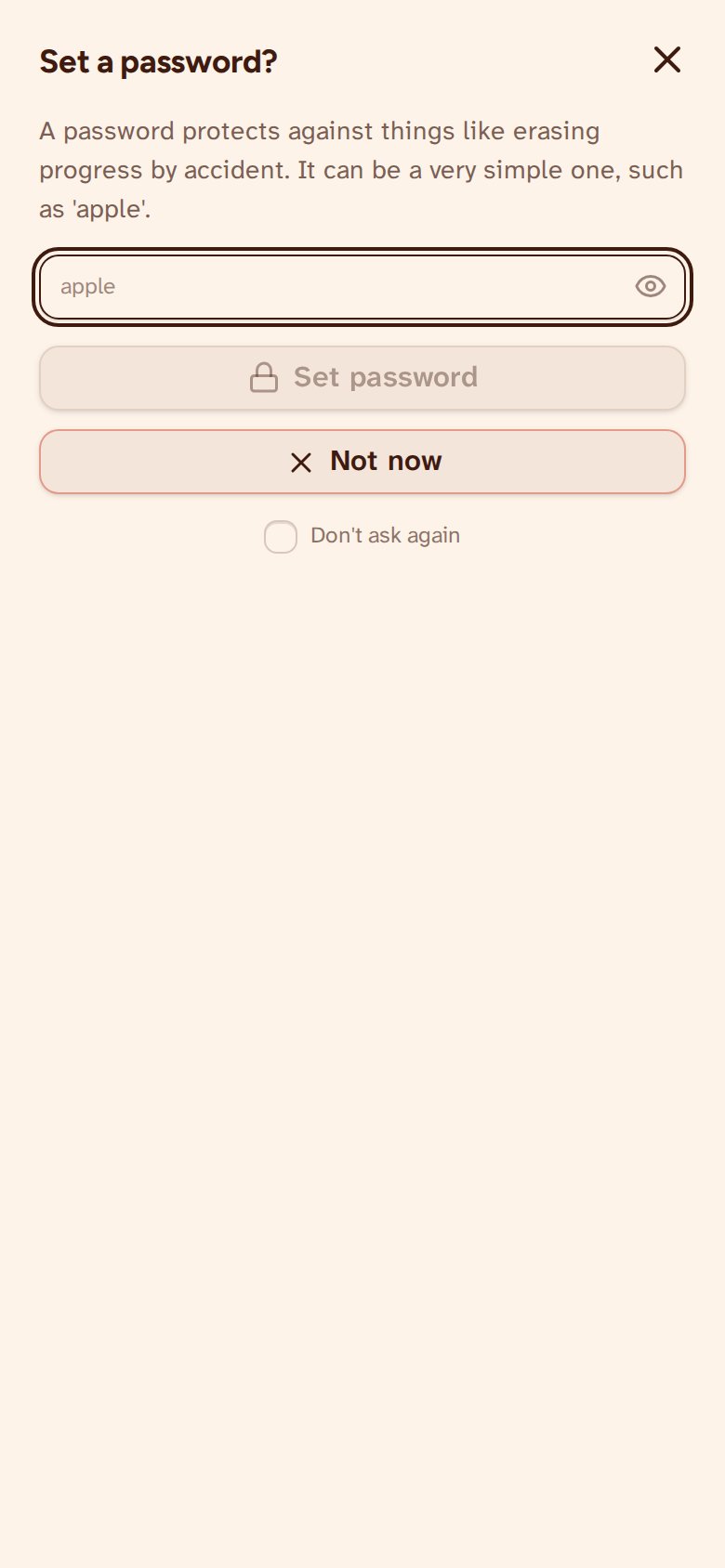
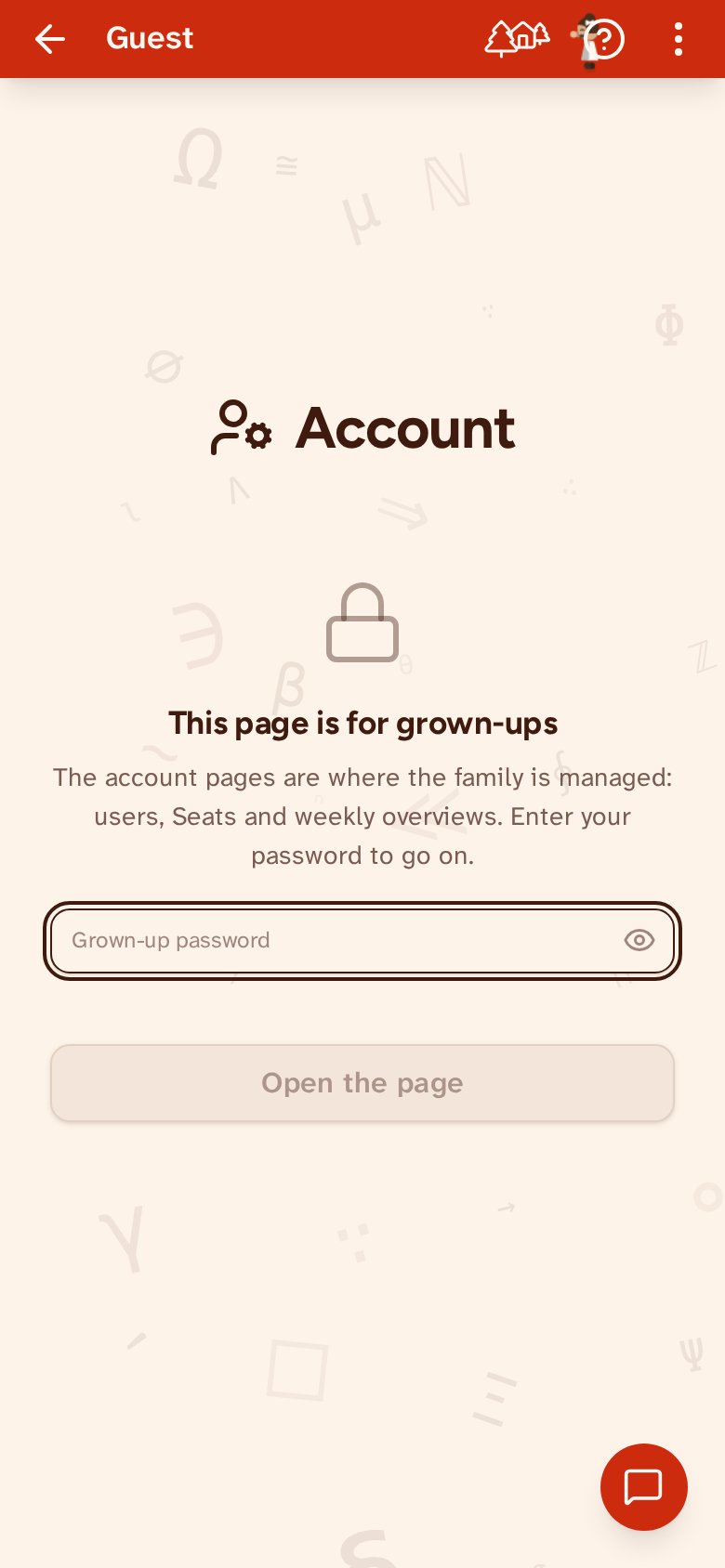
One door in front of the whole account, rather than a lock on each dangerous button. Set a grown-up password and the account page asks for it before it will show you anything — who lives here, who is connected to whom, and the buttons that wipe a child's work or remove a child altogether. Answer once and every account page opens, and nothing inside asks again: a grown-up who stood at the door a moment ago should not be questioned for every child they tidy up. The answer is kept nowhere at all — leave your account and the door shuts behind you, so coming back always asks. Setting a password is optional, and you can add one later from the account page. Forgotten it? Sign in with Google again to show it is you; the password is then removed and you can set a new one.