How it works › Users and accounts
Secret sequence
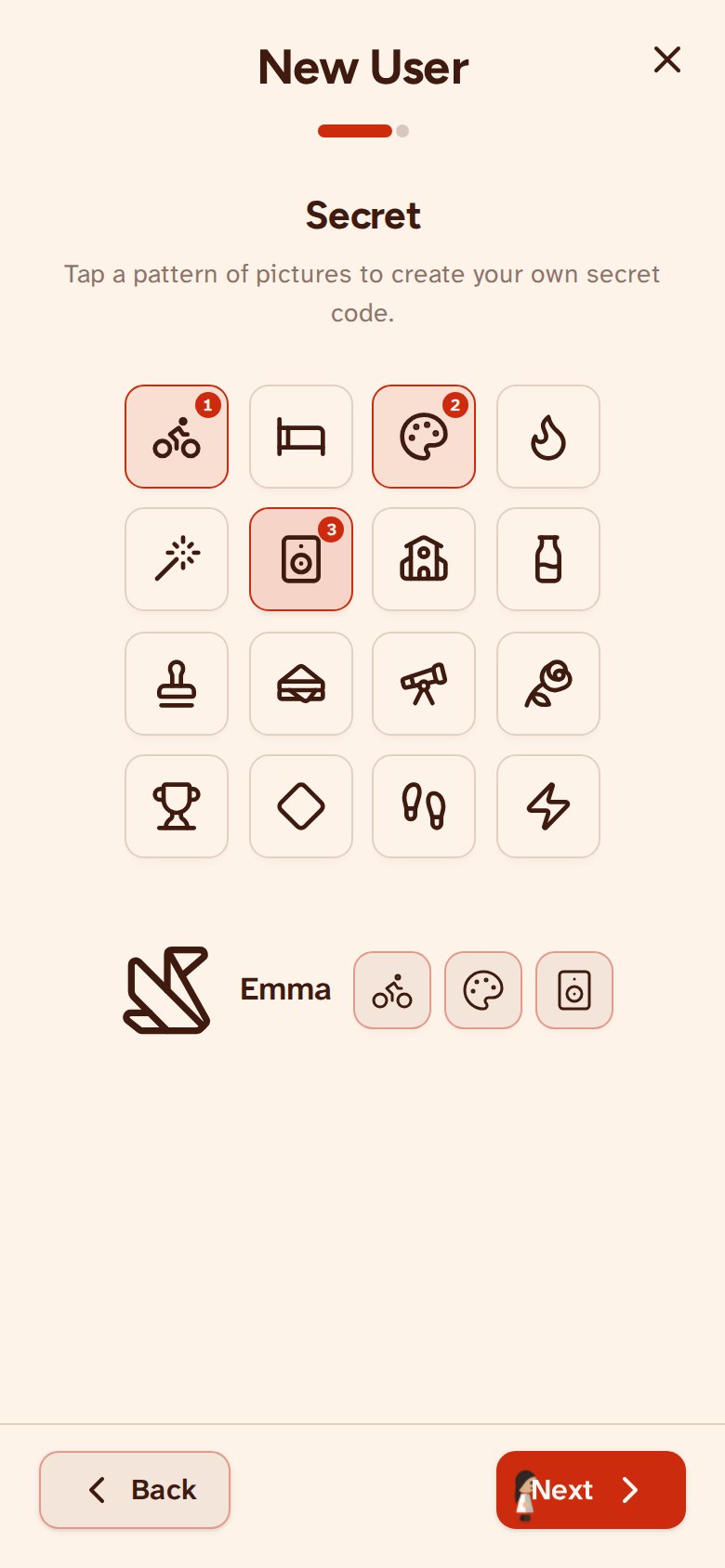
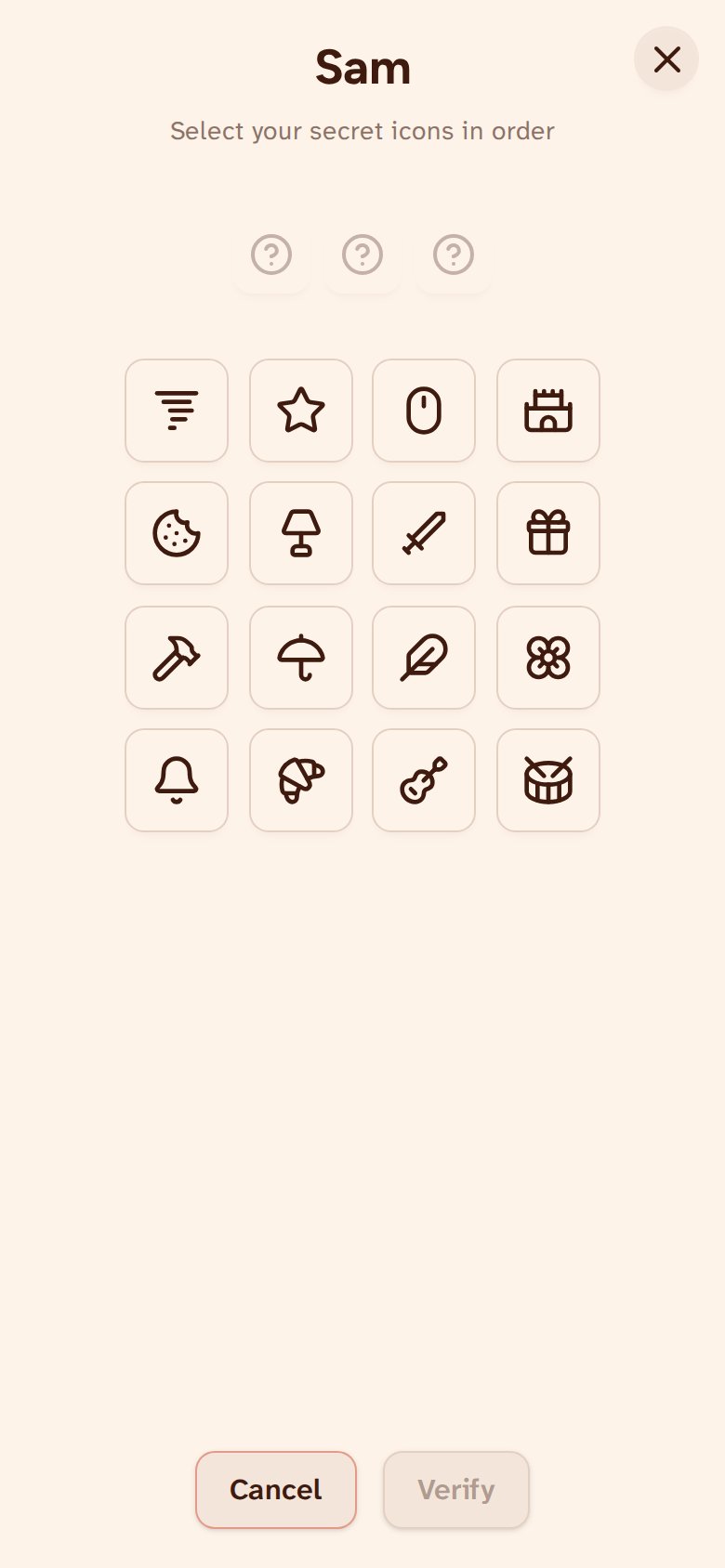
When creating a user you can choose a secret sequence of up to three icons, or skip it and have none (the guest has none either). When switching users you tap the same icons in the same order. Order matters — the right icons in the wrong order won't work. It is not fixed at creation either: add one, change it or take it away later, with ‘Edit details’ under Manage Users on the account page. On the user selection screen a lit question mark on a user means that user asks for a sequence, and a dull one means it does not.