How it works › Users and accounts
Topics per child
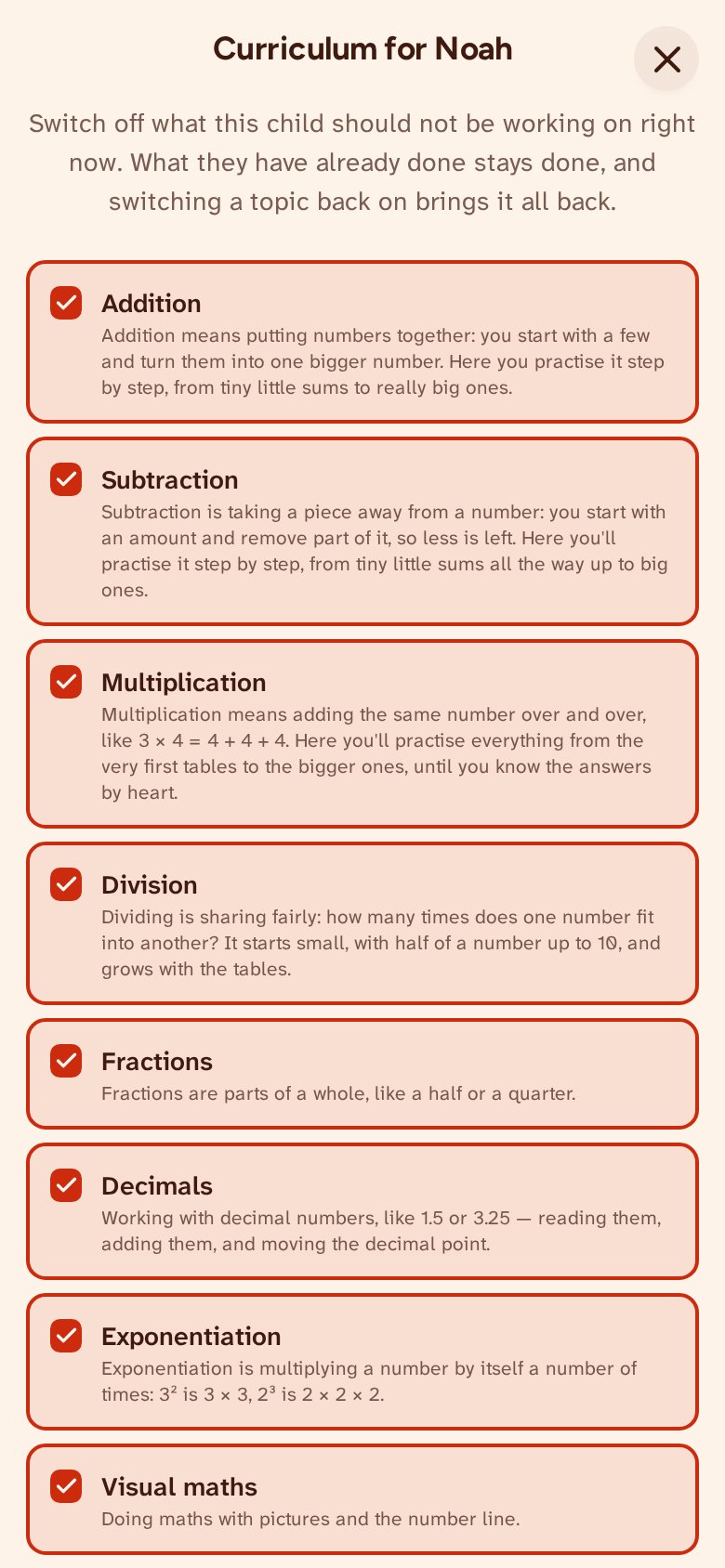
On the Users page you choose, for each child of your account, which topics they work on: all of them, or only some — a week of only multiplication, or no number line for a while. The work and the tests then offer only exercises from those topics, and on the map whatever does not belong disappears. One topic always stays on.
Switching off costs nothing. What is done stays done, and the wood, the houses and the charts all stay. A house of a topic that is switched off still stands; only its play button rests for a while. Switch the topic back on and everything carries on where it was.