How it works › Users and accounts
Weekly report
A Seat comes with a weekly report, and so do a child's first two weeks: one A4 page per child. Across the top is the child's village; below it, which days they practised that week, which exercises, how many runs and problems and how often they were right, and the totals so far. Two charts show when they practised and how far they are in everything.
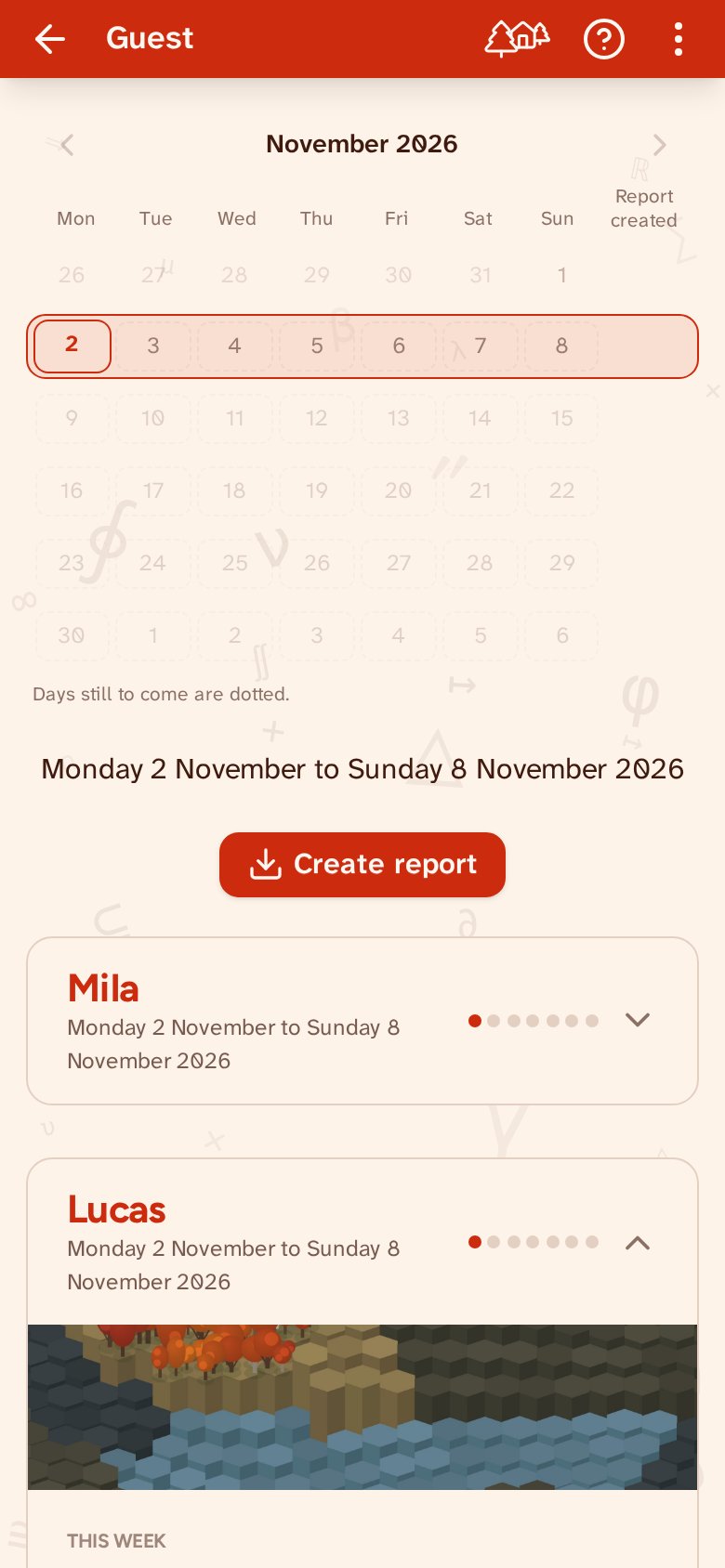
You find the weekly reports on the account page. Pick a week — the one still under way is fine too — and tap Create report. Out comes one PDF, with a page for every child with a Seat or in their first two weeks; other children are not in it. On the page the children are listed one below the other, folded: tap a name to see what is on that page.
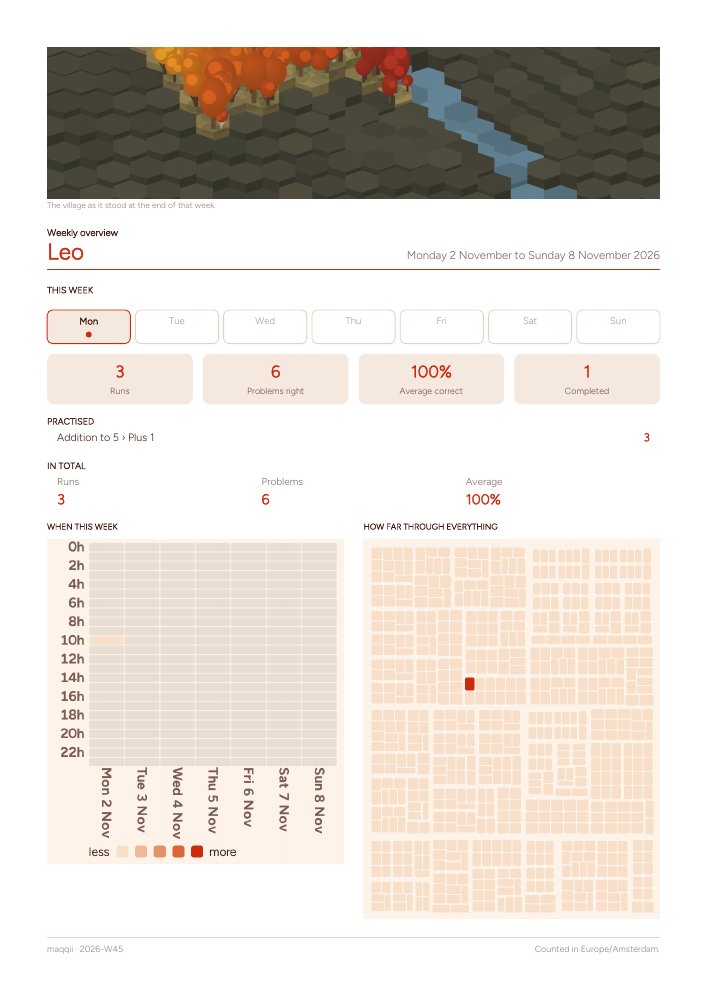
A report, once made, is kept for two years. What you download later is exactly what you made then, with the village as it stood at the end of that week. If you want today's figures, make it again.

On Sundays around 20:00 you get a mail about the week that is ending: for each child, how many runs and minutes were practised, on which days and at what times, and which sections were finished, with a link to the report. If nobody practised, no mail comes. You can switch it off at the bottom of any mail, without signing in, or here with the switch. ‘Send a test mail now’ sends it straight away, so you can see it arrives.